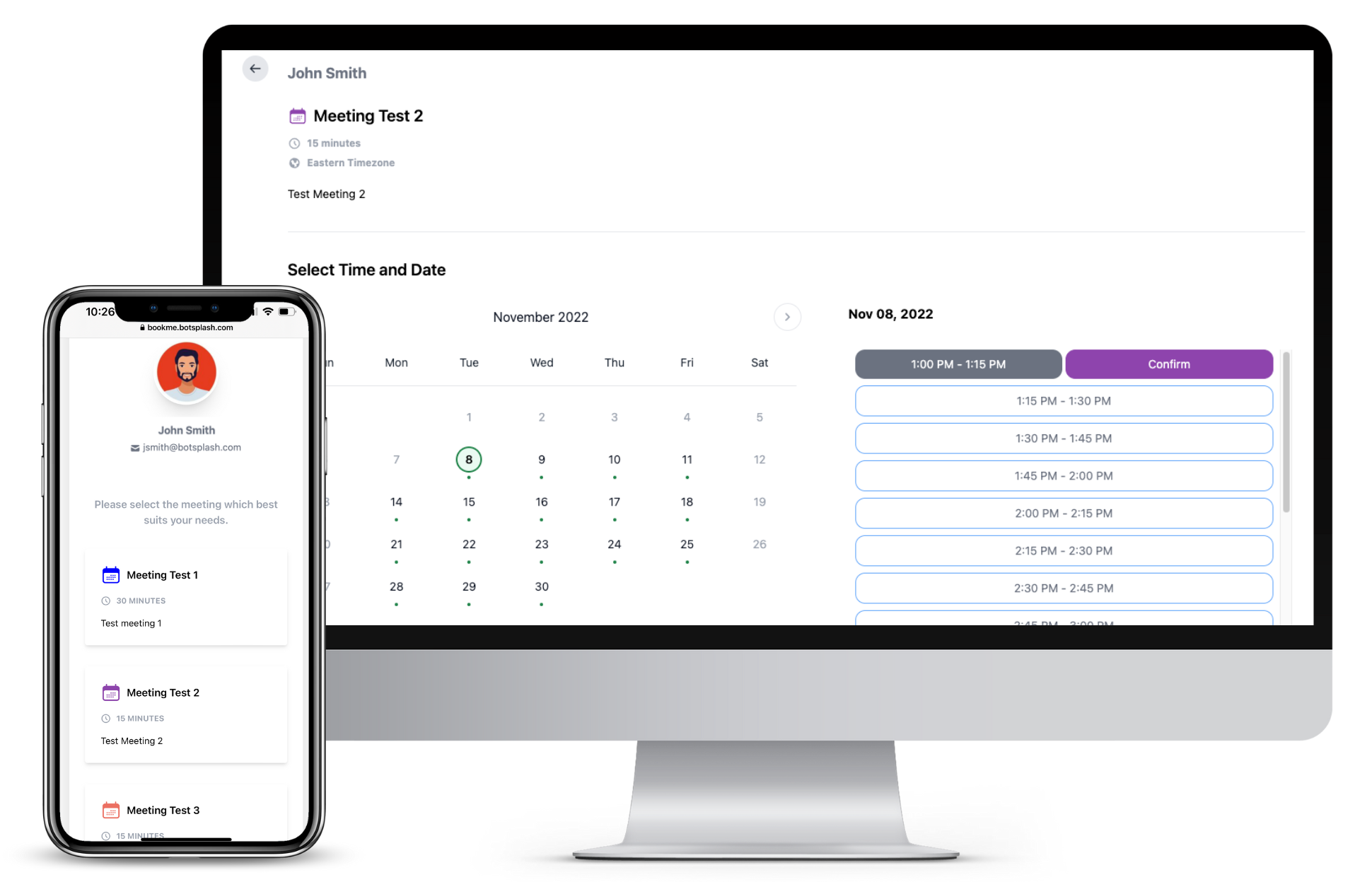
Let customers book time without the back and forth
Bookme puts open times inside the chat, the text or the booking page, and the customer picks one while the interest is there. Both calendars update and the confirmation goes out on the same thread.
One booking page for the team, the next available person for each meeting
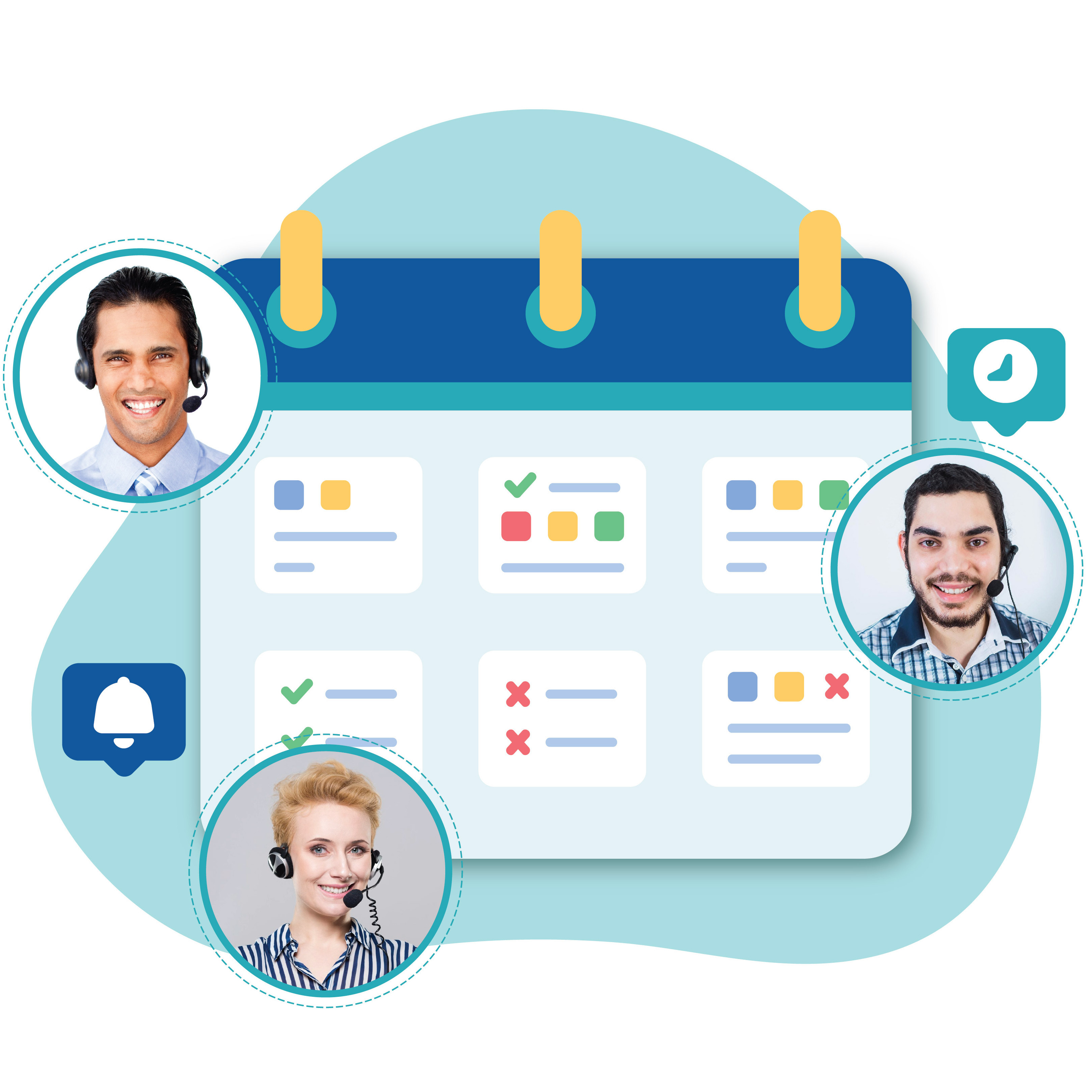
A team page shares bookings across the people on it by availability, so a customer never waits for one person’s calendar to open up and no one on the team is left idle.
- Team pages for sales, service and call center groups
- Meeting types with their own length and questions
- Personal pages for each agent, with their photo and links
Times offered where the customer is already talking
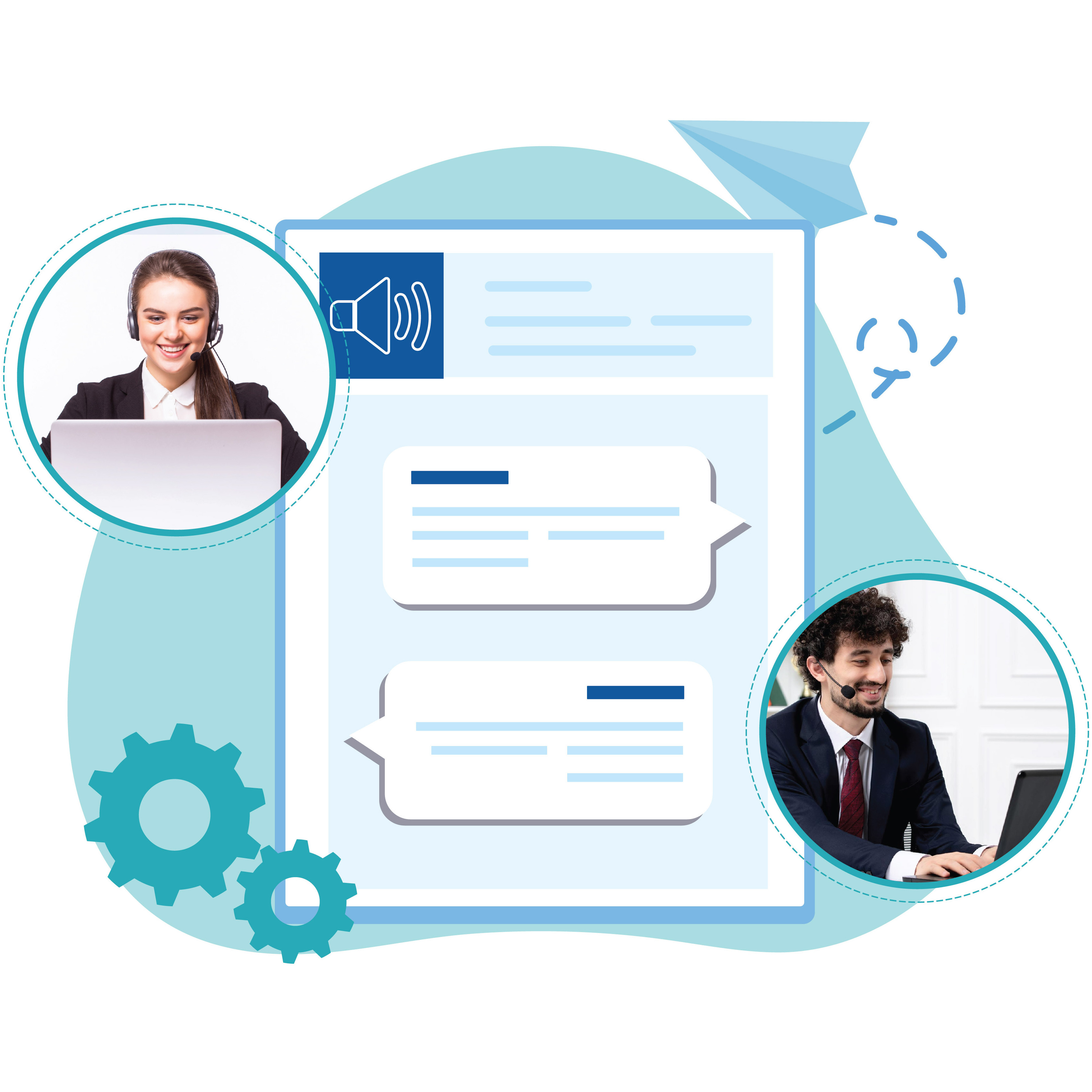
An agent or ConvertAI offers open times inside web chat or a text, and the customer picks one without leaving the conversation. Questions before the meeting stay on the same thread as the booking.
- Times offered in chat and text, not just a link
- Direct chat on the booking page for last questions
- The booking and the conversation on one record
Your calendar decides, and the booking page points to what comes next
Availability comes from the calendar each person already uses. Action buttons on the booking page send the customer to an application, a form or a document upload before the meeting, so the call starts further along.
- Availability synced with the calendars your team keeps
- Action buttons to an application, a form or an upload
- Social and profile links that make the person real
Meetings that land on the right calendar, with the thread attached
Bookme puts the booking inside the conversation, so the person who takes the meeting already has what was said.
What you should do next
- Your booked meetings, with the chat or text that led to them
- Questions before the meeting on the same thread as the booking
- Reschedules and confirmations on the channel the customer used
What your business needs next
- How bookings spread across each team page
- Booked meetings by source, channel and team
- Availability and meeting types set once for the team
Your baseline first, then the change
We do not publish benchmarks. A pilot measures these on your own channels first, then turns on the change and measures them again.
Meetings booked from chat, text and booking pages, by source and by team.
From the first message to a booked time, against your baseline.
Meetings kept, with the confirmation and reminder on the same thread.
How bookings spread across the people on each team page.
Questions buyers ask
What is Bookme?
Bookme is the scheduling product in Botsplash Customer Engagement. Customers book time from a booking page, a web chat or a text, and the meeting lands on the calendar of the person or team they book with.
Can Bookme share meetings across a team?
Yes. Team Bookme pages share bookings across the people on the team by availability, which suits sales teams, service teams and call centers.
Does it work with our calendars?
Yes. Availability comes from the calendars your team already uses, and booked meetings are written back to them.
Can AI offer times?
Yes. ConvertAI and Voice AI can offer open times and book them inside the rules you set, and a person can take the conversation over at any point.
How does Bookme work with Botsplash CRM?
Bookings and the conversation around them land on the same record. In Botsplash CRM they land on the Lead, next to its owner, its clock and its next step.
Your accounts, your roles, your record
See the trust center →Botsplash Customer Engagement has completed a SOC 2 Type II examination, with data encrypted in transit and at rest.
A sub-account per branch or department, access by role, and single sign-on where you use it.
Consent captured per channel with its source and time, and a STOP honored across every channel.