Turn Conversations Into Revenue With AI that Engages, Qualifies, and Converts
Botsplash uses AI to capture intent, automate follow-ups, and move conversations forward across SMS, chat, voice, and messaging.
Pairs with Botsplash CRM, which owns the Lead, the clock and the next step.

Eight ways to carry the conversation
Each one is a product you can license on its own. Together they are the engagement platform.
ConversationHub, the shared inbox where agents and AI work one conversation record, whichever channel the customer used last.
Omnichannel →
AI that answers, qualifies and hands off over chat, voice and text, inside the rules you set.
ConvertAI →
Takes the call, answers questions, schedules time and routes to a person when the rules say so.
Voice AI →
Scheduling inside the conversation: set availability, let the customer pick, sync the calendar.
BookMe →
Outbound calling inside the platform, with the number and the script the workflow chose.
ConnectMe →
Follow-ups and renewals on a schedule, on the channel the customer answers.
CustomerRetention+ →
Re-engagement across the customer lifecycle, from the first inquiry to the next one.
Lifecycle AI →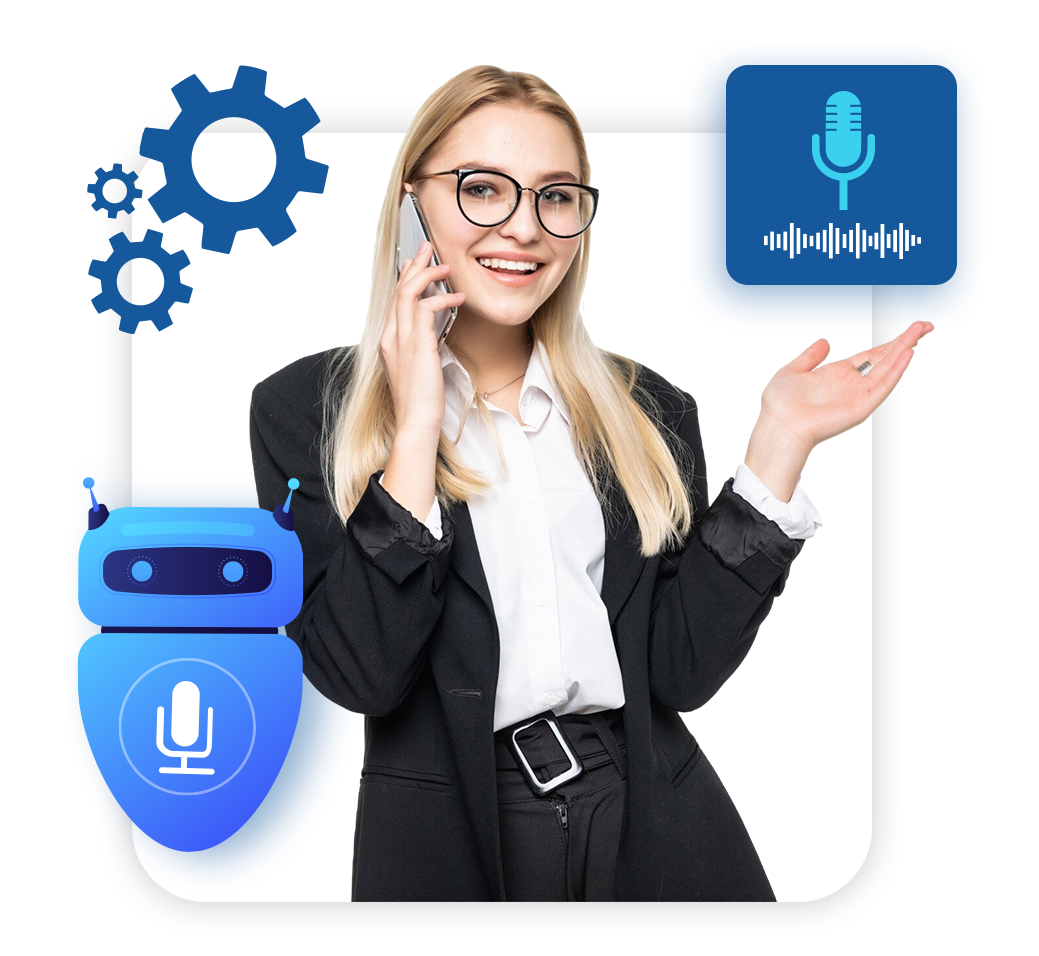
The call gets answered, and a person gets the ones that matter
Voice AI picks up, answers the questions it is allowed to answer, books time through BookMe and routes the caller to a licensed person when your rules say so. The transcript and the outcome land on the record, and in Botsplash CRM they land on the Lead.
- Inbound call handling with qualification and scheduling
- Handoff rules you set: topic, intent, time of day, license
- Every call on the conversation record, with consent captured
Where your customers already are
One conversation record per customer, whichever channel they used last. Agents answer from the inbox or the mobile app; AI answers inside the rules you configure.
All channels →Botsplash CRM owns the Lead
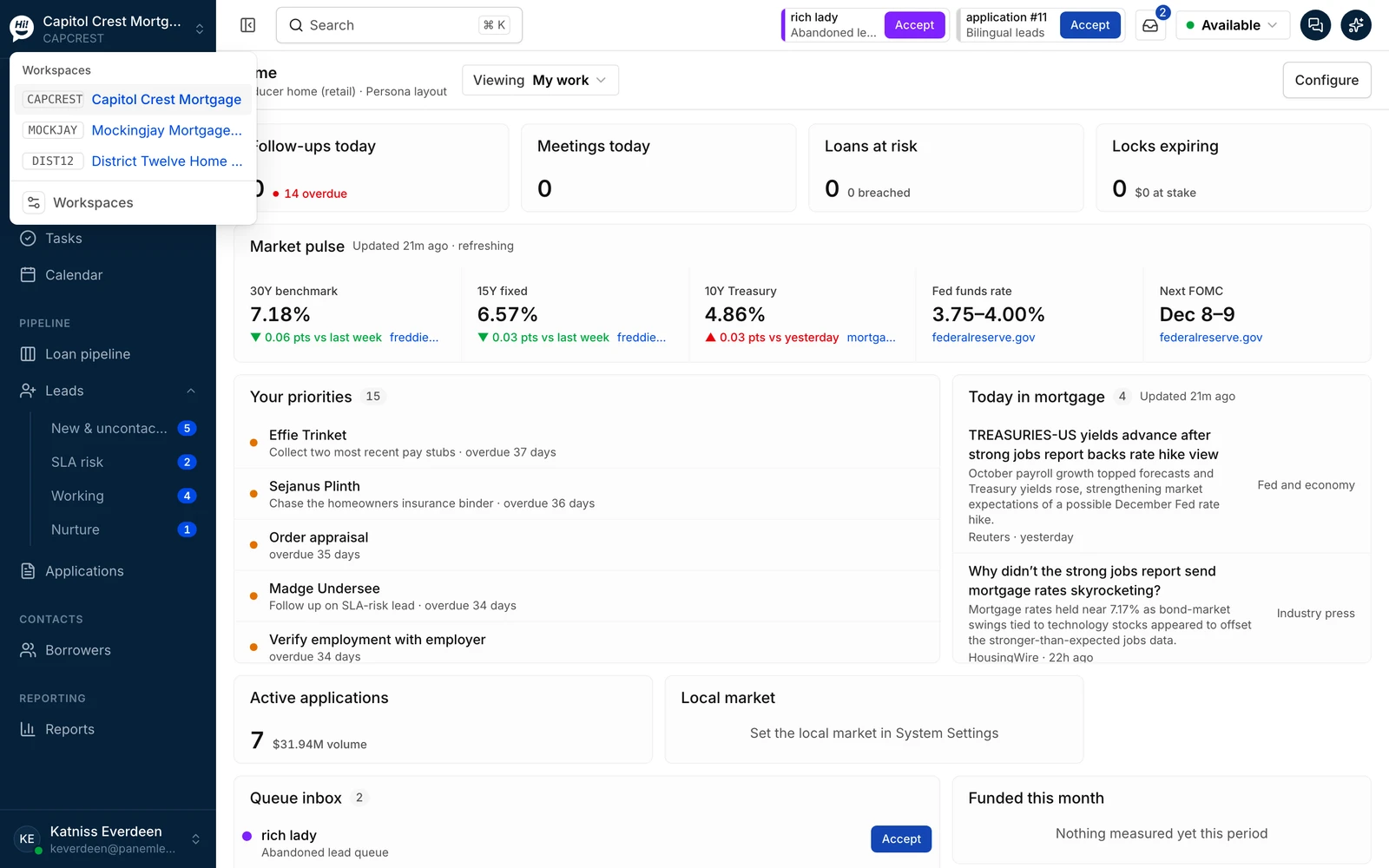
Customer Engagement carries the conversation. Botsplash CRM decides who works each Lead, on what clock and what happens next, and it asks before AI acts. The same record, end to end.
One client account, a sub-account per branch or department
Each retail branch, call center or department gets its own sub-account under one client account: its own inbox, numbers, templates, routing and reporting, with shared login and the same consent and security controls. Botsplash CRM workspaces line up with them one to one, so a branch's conversations and its Leads sit in the same place.
- Shared login: one sign-in, a role in each sub-account, single sign-on where you use it
- Policies and preferences inherited from the account and adjusted per sub-account
- Isolated tenant storage per sub-account, with roll-up reporting for the account
- The same security posture everywhere: audit records, consent and opt-out handling, access reviews

A person on every conversation
AI answers first only where you allow it, and a person takes over the moment the customer asks or the rules say so. The agent sees the whole thread, the consent on file and the Lead it belongs to, on one screen.
Your compliance team sets the rules. Botsplash keeps the record.
Captured with its source and timestamp, visible before anyone sends.
A STOP is honored everywhere and recorded on the contact, even before your CRM record catches up.
Hours by state and the lists you maintain; messages outside them wait.
Brand and campaign registration support for registered SMS traffic.
Role-based permissions, single sign-on, and IP or domain restrictions where you need them.
A completed SOC 2 Type II examination, encryption in transit and at rest. Ask for the report and its scope.
Questions buyers ask
Which channels does Customer Engagement support?
SMS, web chat, voice and video, WhatsApp, Facebook Messenger, Instagram and email, in one inbox, with iOS and Android apps for agents. Channel availability depends on your license and, for messaging channels, on carrier and platform registration.
Do I need Botsplash CRM to use it?
No. Customer Engagement runs on its own and inside Salesforce or HubSpot. Botsplash CRM adds Lead ownership, routing, response clocks, pipelines and workflows on top of the same conversation record. Teams start with either and add the other.
What is the difference between ConvertAI and Voice AI?
ConvertAI qualifies and answers over chat, voice and text. Voice AI is the phone-specific product: it takes inbound calls, answers questions, schedules time and hands off to a person. Both run inside the rules you configure and hand off when those rules say so.
How does consent work?
Consent and opt-outs are captured per channel with their source and timestamp, and a STOP is honored across channels and recorded on the contact. Quiet hours and suppression lists are yours to configure. Botsplash also supports 10DLC brand and campaign registration. No software setting makes a business compliant on its own; your compliance team sets the rules.
Where do the case-study results come from?
From Botsplash Customer Engagement customers, each measured against their own baseline. They are Customer Engagement results, not CRM results, and your numbers will depend on your starting point.