.png)

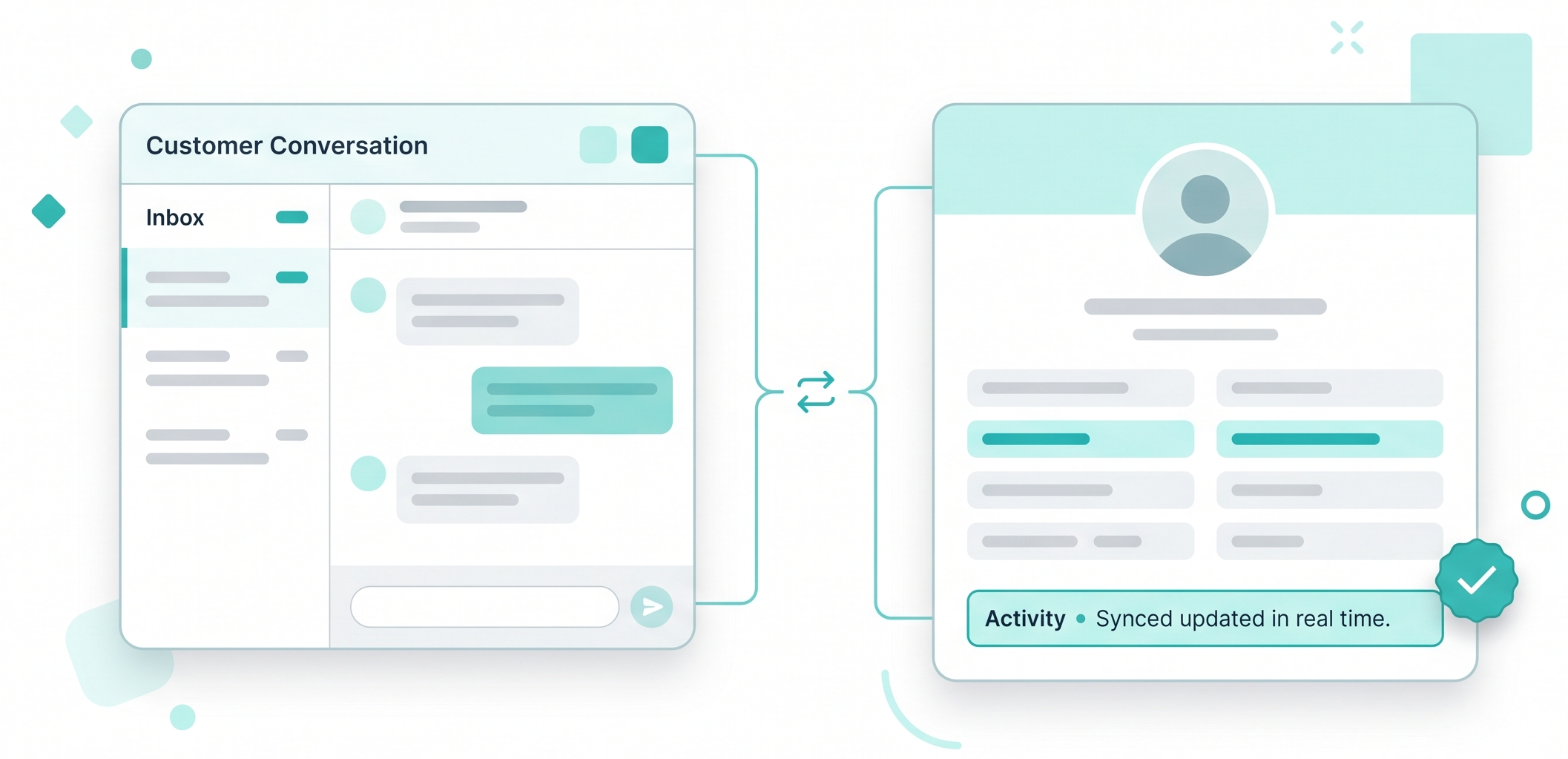
Bi-Directional Data Flow: Eliminate manual entry with a system that automatically pushes every text, chat, and update directly into your CRM.
360-Degree Visibility: Ensure your sales data is always accurate and up-to-date, providing a complete view of the entire customer journey.
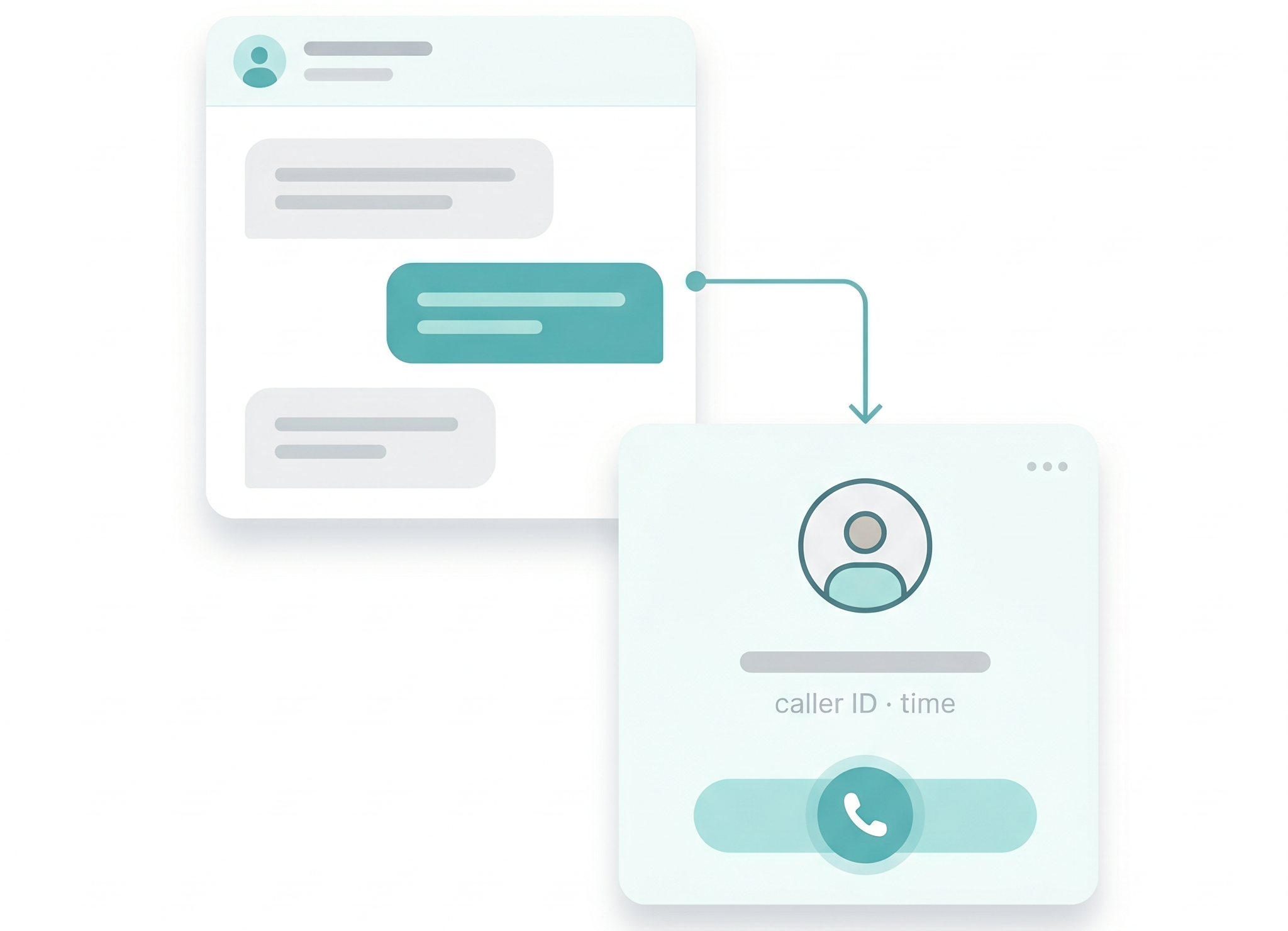
Instant Voice Transition: Move from a text thread to a live voice call with one click when a complex deal requires a personal touch.
Bridge Digital & Personal: Combine digital convenience with the high-trust verbal communication needed to finalize transactions.
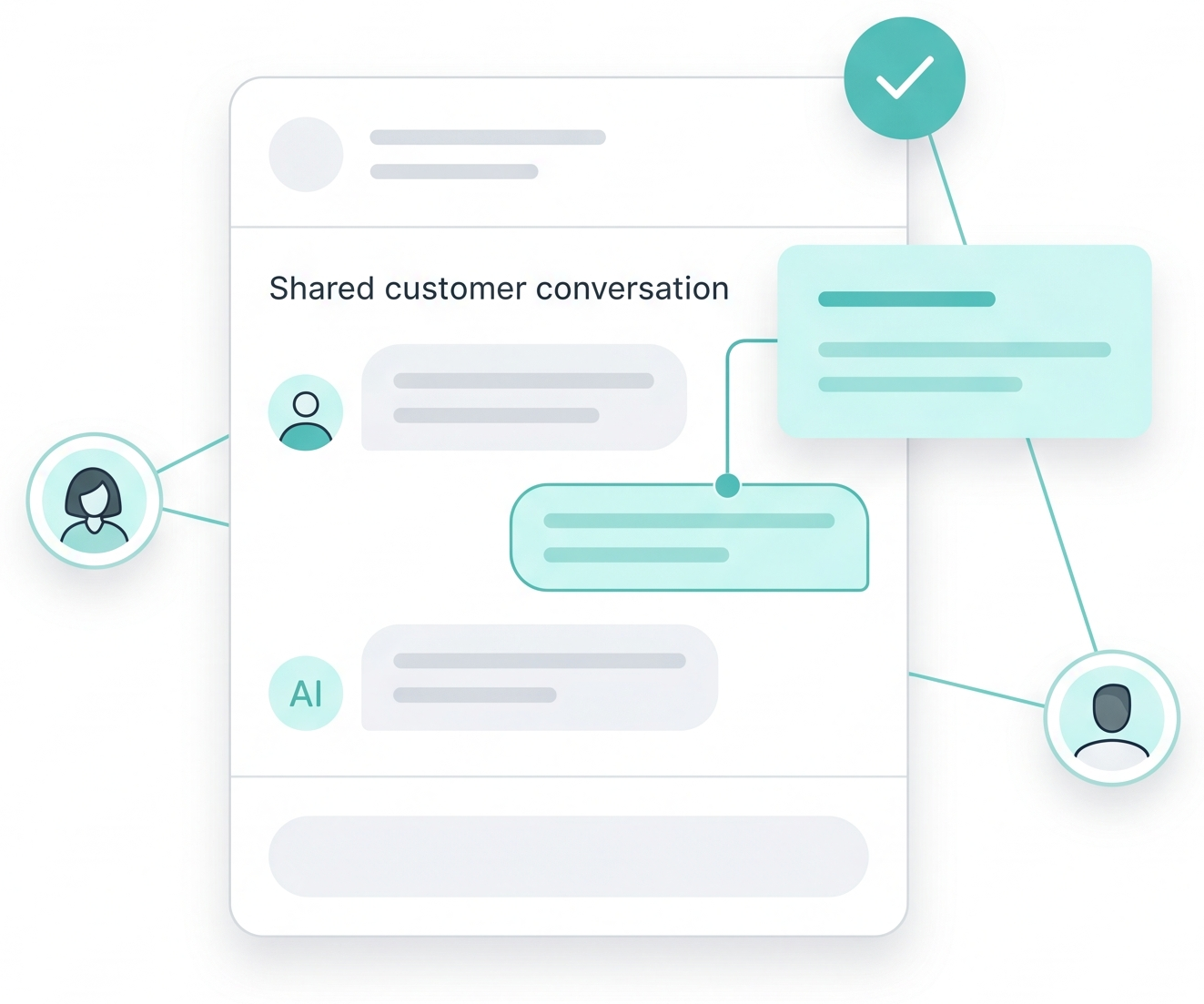
Internal "Whispers": Tag managers or specialists into live threads to coordinate behind the scenes without the customer seeing the internal chat.
Seamless Synergy: Ensure every inquiry gets the best possible answer by bringing the right expertise into any conversation instantly.
Expedite the Closing: Include third-party partners like realtors, insurance agents, or co-signers directly in the communication workflow.
Unified Stakeholders: Keep all external parties on the same page to eliminate delays and move deals to the finish line faster.
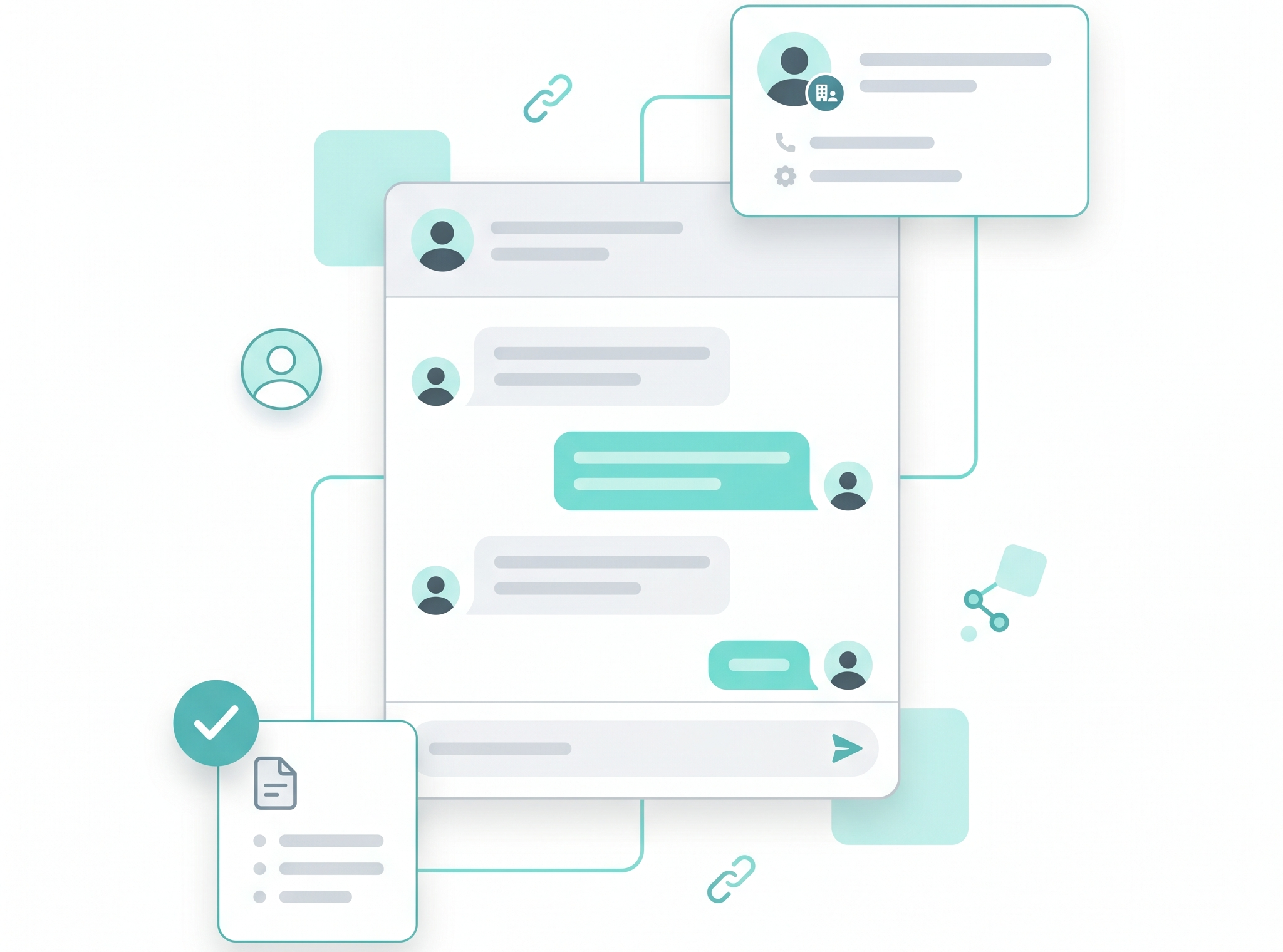
It means your CRM and Botsplash act as a single unit. When an agent sends a text in Botsplash, it is automatically logged as an activity in your CRM. Conversely, if a lead’s contact info is updated in your CRM, that change is reflected in Botsplash instantly. This eliminates the "double-entry" chore and ensures your data is always 100% accurate.
Not at all. When an agent initiates a call via ConnectMe, it rings the customer’s phone just like a standard incoming call. There is no friction and no technical hurdle for the lead, they simply answer their phone and continue the conversation they were just having over text.
A "Whisper" is a private note or tag sent within an active customer chat thread. It is highlighted in a different color and is completely invisible to the customer. This allows an agent to tag a manager for advice or a specialist for a technical answer without ever leaving the conversation or putting the customer on "hold."
Through our External Contacts Support, you can loop in outside stakeholders directly. You can create a "Group Thread" that includes the borrower, the loan officer, and the realtor. This keeps everyone on the same page regarding milestones, which is proven to expedite the closing process.
Yes. Because of the tight integration, you can set "Status Triggers" in your CRM (like changing a lead stage to "Contract Sent") that tell Botsplash to automatically launch a specific SMS follow-up or reminder sequence.
Texting is perfect for speed and convenience, but complex financial or legal details often require a "high-trust" verbal conversation. ConnectMe allows you to capture the lead's peak interest over SMS and instantly escalate to a voice call the moment the conversation gets technical, preventing the momentum from stalling.
Yes. If a customer in a chat thread moves from a "Sales" question to a "Support" question, you can seamlessly transfer the entire conversation (including context and history) to the appropriate team member. The customer experiences a smooth transition rather than having to start their story over from scratch.
Yes. You can securely share attachments and updates with any external contact added to the workflow. By unifying all stakeholders in one communication stream, you eliminate the "middle-man" delays and the confusion of fragmented email chains.
